Integrate Pipedrive with Google Ads

Integrate Pipedrive with Google Ads

Want to know which campaigns aren't just generating leads, but actual customers? Our Pipedrive integration with Google Ads connects marketing and sales data, so you know exactly where your profits are coming from.

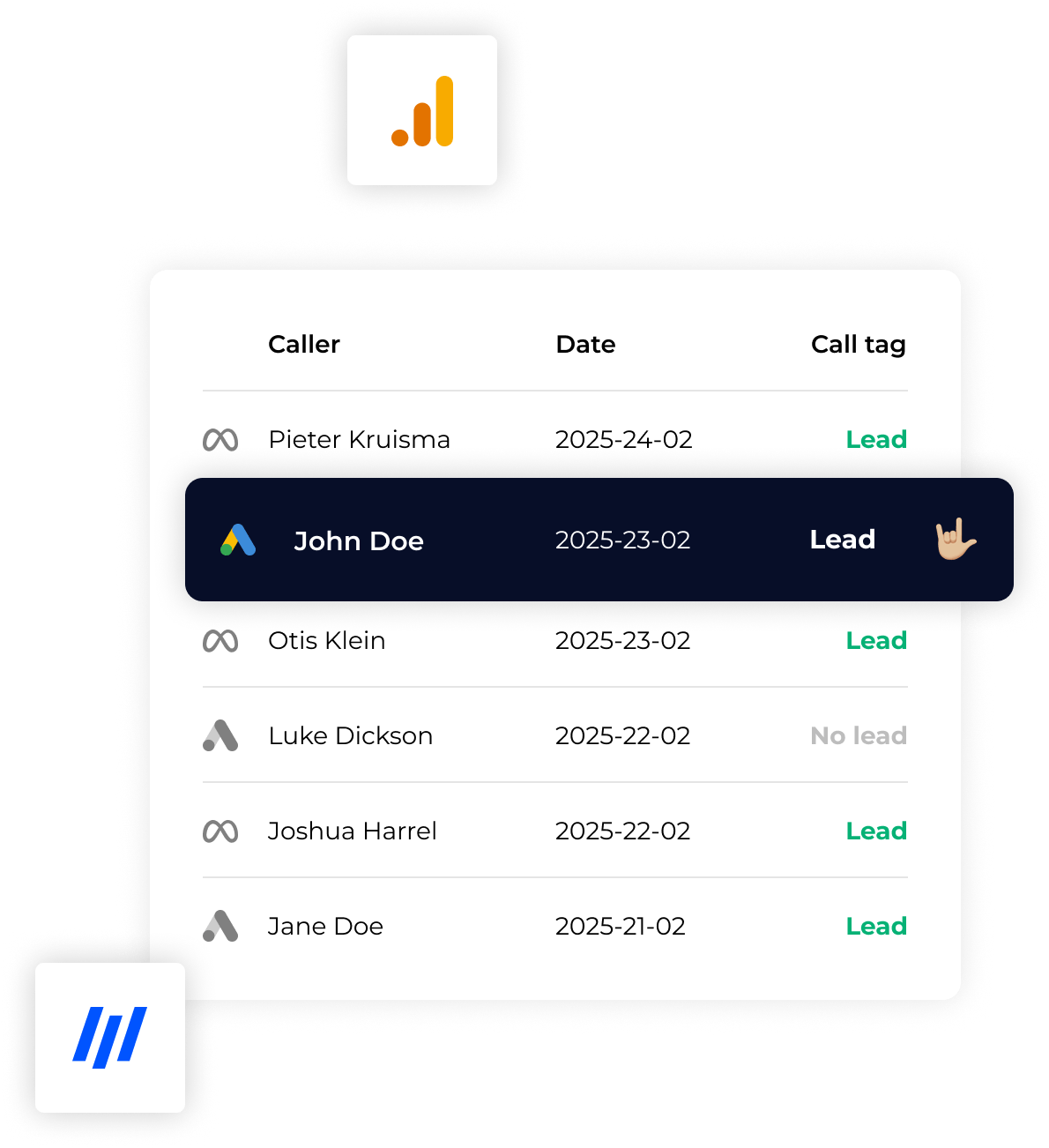
Instead of measuring what happens on your website, you now drive your ad algorithm with data from Pipedrive: leads that are qualified, deals that are closed and revenue that really counts.

  • See lead data from Pipedrive, in Google Ads
  • More converting leads from Google Ads

Use the data from Pipedrive,
to optimize your Google Ads campaigns.

Instead of optimizing on numbers of leads, include lead quality from Pipedrive in your Google Ads campaign optimization. As a result, you no longer waste budget on campaigns that lose money due to poor quality leads.

  • Real-time Conversions from Pipedrive to Google Ads
  • No change to the current workflow within Pipedrive

What you're leaving out in Google Ads

  • You focus on numbers instead of quality

  • You don't know which leads will convert

  • You have no insight into the actual profit per campaign

  • You miss the feedback from Pipedrive sales data

  • Optimizing your algorithms for the wrong signals

Following an integration with Pipedrive

  • Focus on valuable leads, not just volume

  • Measure the entire customer journey, including sales results

  • Gain insight into which campaigns are costing you money

  • Optimize advertising algorithms with better data

  • Give your algorithms better data than your competitors

This is how integration works

Step 1

Click & form

A visitor clicks on your Google Ads ad and fills out a form. All attribution data, such as click id, browser data, etc. are captured and associated with the new lead.

Step 2

Lead in Pipedrive

The lead enters Pipedrive, where you follow up. You continue to work as you are used to, without any additional actions or adjustments to your process. We ensure in the background that all data is linked and forwarded automatically.

Step 3

Conversion signal back

Once a lead is qualified or becomes a customer, YesWeTrack automatically sends a conversion signal back to Google Ads. This way, the algorithm learns which leads are really valuable and immediately adjusts your campaigns for better returns.

Step 4

Smarter optimization

Your advertising algorithm optimizes directly on this data. You can see at a glance which campaigns are performing the best and no longer steer on completed forms, but on real customer value.

Trusted by 200+
companies & agencies

  • fishma brincr
Profile photo Lester

Curious about what is possible for your situation?

  • Insight into your entire customer journey
  • Focus on net results
  • Privacy-proof & GDPR-compliant
  • Get more return on your adspend