What are offline conversions in Google Ads?
Many advertisers still base their campaigns on form submissions or clicks. But the real value of your campaigns often only emerges afterward. Or rather, most of the time, actually.
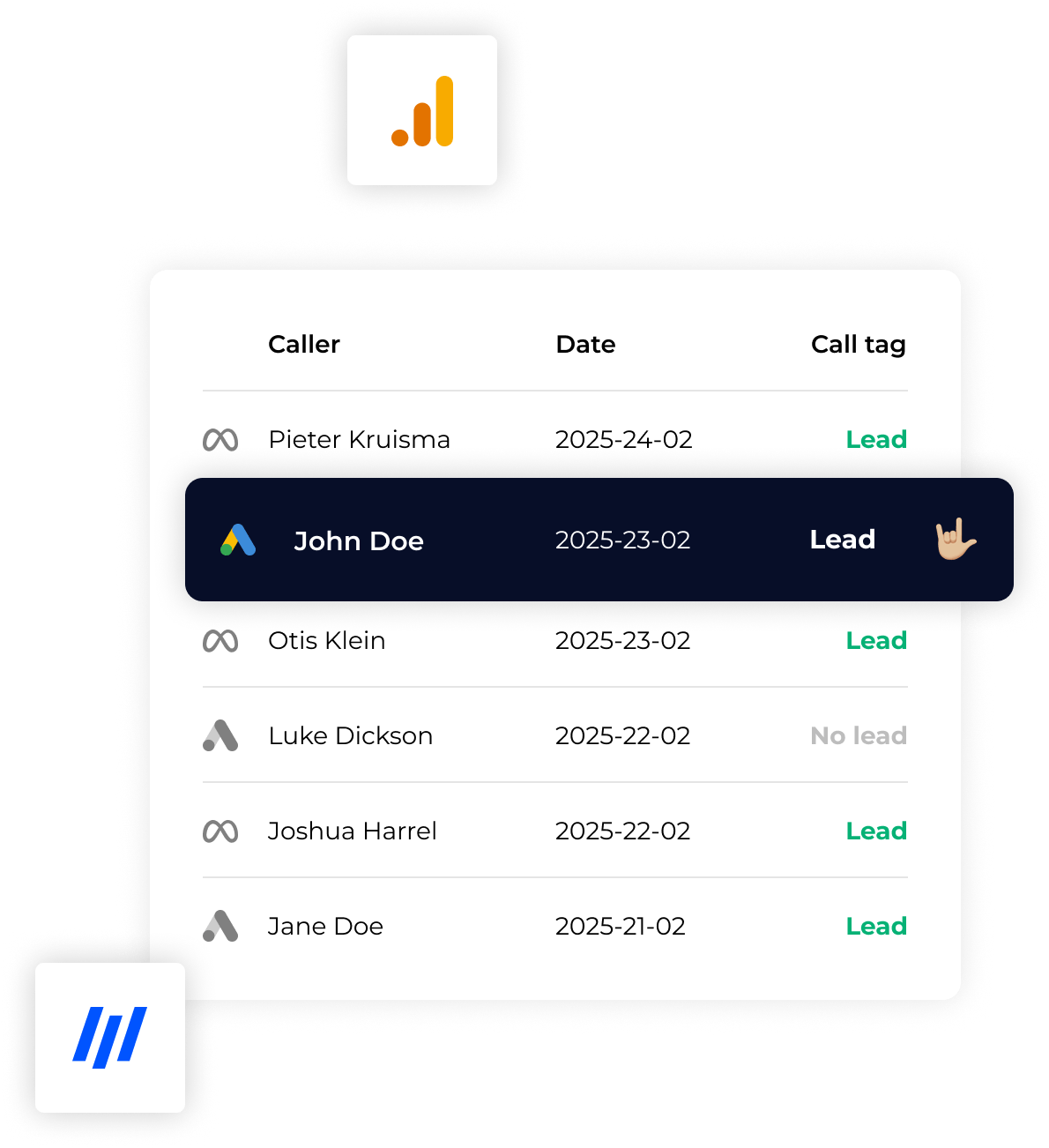
Think of a lead that eventually becomes a customer. Or a quote that, after some back-and-forth emails, is suddenly accepted. Or simply a deal that’s closed after a phone call that Google Ads doesn’t track at all.
Those are offline conversions in Google Ads. And if you ask me (and yes, I check this every day), that’s the data that determines whether your campaigns are actually profitable or just seem busy.

What are offline conversions?
Offline conversions are actions that take place outside your website but result from a click on an ad.
So someone clicks on your ad, enters their information… and what happens next takes place outside of Google Ads.
For example:
- A lead who becomes a customer after a conversation
- A quote that is approved
- A phone inquiry that results in a sale
- A demo account that is converted into a live account
By default, Google Ads only tracks that first step—such as a form submission—and optimizes based on that, including low-quality leads. Everything that happens after that? Invisible. It’s basically a black box… unless you send that data back.
We call this process offline conversion tracking.
Why are offline conversions so important?
Without offline conversions, you’re optimizing your campaigns based on… well, basically the wrong signals. That might sound a bit harsh, but in practice, you see it happen all the time.
Here's what happens:
- You focus on volume (leads) rather than quality
- Bad leads look “good” in your dashboard (because you see the numbers)
- Your best campaigns go unnoticed
- The budget is being allocated to channels that do not generate revenue
And that's frustrating, because you think you're optimizing… but in reality, you're just optimizing noise.
Offline conversions change that:
- You can see which campaigns actually bring in customers
- You focus on revenue rather than just leads
- Google's algorithms are being fed better data (and yes, you can really tell)
Want to set this up properly? Then you need to optimize your campaigns using offline conversions.
Examples of offline conversions in Google Ads
1. Lead → Customer
Someone fills out a form and later becomes a customer.
This is by far the most common situation. And it’s also where things often go wrong, because there’s no feedback on that second step.
2. Quote → Deal
A request comes in, you send a quote… and it’s not until days (or weeks) later that we get approval.
So the real value lies at the very end, not in the application itself.
3. Contact by phone
Someone calls in response to your ad and becomes a customer.
Without tracking, you'll miss out on all of this. And honestly, this happens more often than you think.
4. SaaS: trial → subscription
A user starts a trial and later upgrades to a paid account.
This is especially crucial for SaaS companies. Otherwise, you’ll be optimizing for trial sign-ups… which may never lead to anything.
What data do you need?
To link offline conversions to Google Ads, you'll need a few things. It's not overly complicated, but you have to get it right.
- GCLID (Google Click ID)
- Date and time of conversion
- Conversion type (e.g., deal, customer)
- Optional: conversion value (€)
This data is usually stored in your CRM or backend. And that’s often where the challenge lies… because systems don’t always communicate with each other automatically.
How do you link offline conversions to Google Ads?
There are roughly three ways to do this. “Roughly,” because in practice there are quite a few nuances.
- Manual (CSV upload) → works, but isn't scalable
- You can do this using tools like Zapier →, but it quickly becomes complex and prone to errors
- Automated (server-side) → basically what you want if you're serious about it
With the right setup, you automatically send data back to Google Ads as soon as a lead becomes a customer. No manual work, no hassle… just reliable data.
The difference between online and offline conversions
| Online conversion | Offline conversion |
|---|---|
| Form | Client / deal |
| Click | Revenue |
| Trial | Paid account |
And it is precisely this difference… that ultimately determines your profitability. It’s not the click, but what happens next.
Conclusion
Offline conversions in Google Ads show what really happens after the click. Without this data, you’re making decisions based on assumptions—or perhaps more accurately, on half-truths.
With this data, you can focus on results. On customers. On revenue. On the things that really matter.
Do you want to optimize your campaigns for customers, revenue, and deals instead of just leads? Then offline conversion tracking isn’t just a nice-to-have—it’s actually essential.